AI

Captions, masks, tracking, depth, voices, clean audio and slow motion, made on your own computer.

AI Captions

Studio

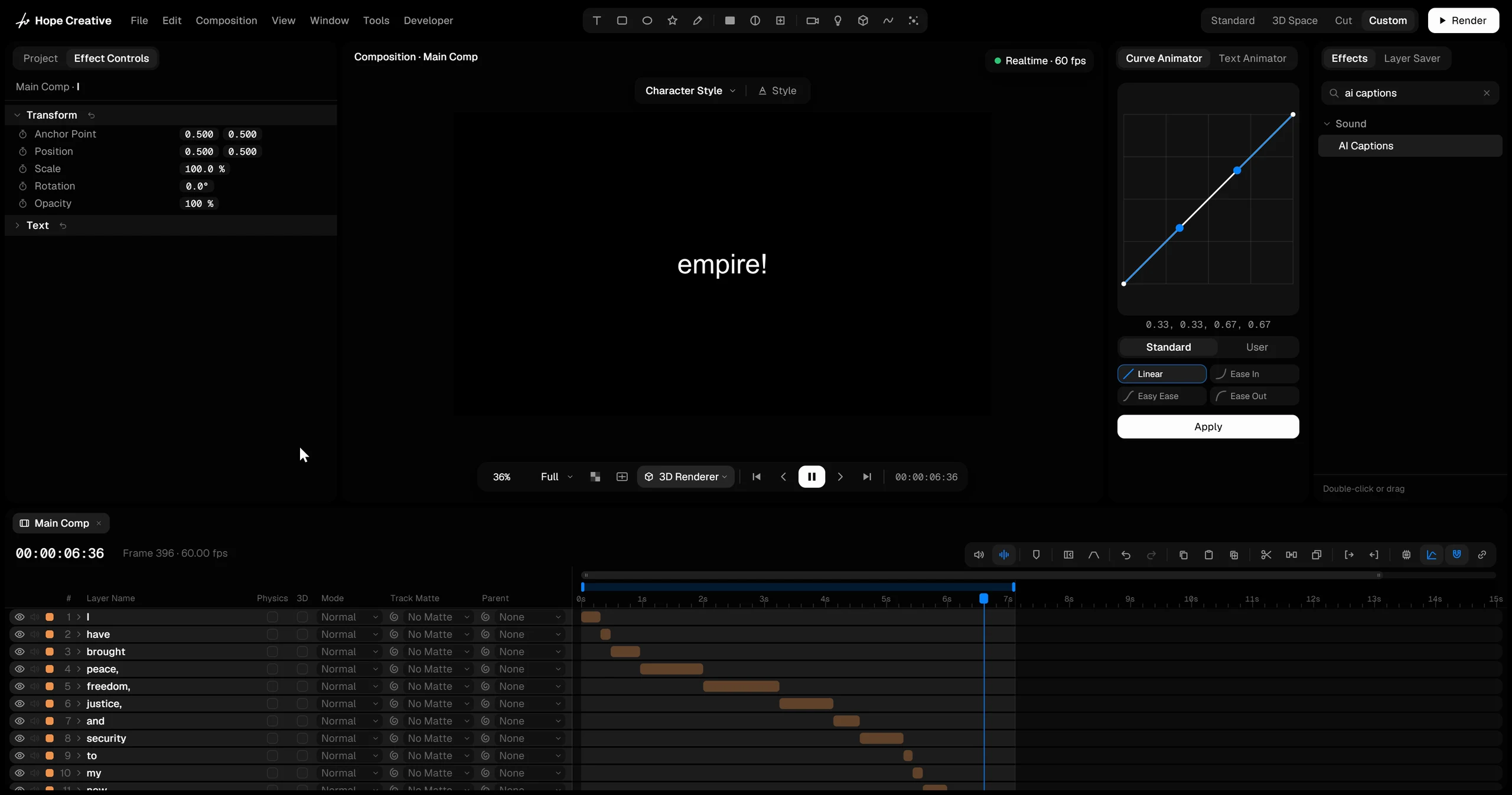
Add the AI Captions effect to a sound or video layer and press Generate Captions. You get ordinary text layers, timed to the speech, word by word or sentence by sentence.

  • A precise model for 25 languages, or a broader one for 99.
  • The captions are normal text: style them, and let the Text Animator bring in every word as it’s spoken.
Voice Isolation

Studio

Add Voice Isolation to a sound or video layer and the voice comes forward while traffic, wind and room noise drop away. Amount lets you keep a little of the room if you want it.

It’s calculated once in the background, then plays back like any other sound.

A voice after Voice Isolation

0:00 / 0:00

Frame Interpolation

Studio

Slow a clip down and let AI draw the missing frames. In the Retime effect, set Frame Interpolation to AI and press Interpolate.

The result is fluid slow motion without the stutter of repeated frames. Frame Blend and Optical Flow are there too, for quick results.

Depth Map

Studio

AI Depth Map looks at a picture and works out what is near and what is far: near is bright, far is dark.

Use it as a map for a depth-of-field blur, fog that thickens with distance, or displacement. The Parallax effect uses the same depth to turn a still photo into a slow 3D camera move.

AI Mask

Studio

Add AI Mask, then click what you want to cut out. Alt-click to remove a part, or drag a box around it.

Press Track and the mask follows the object frame by frame. Expand, shrink, feather or invert it, and view the result or the mask itself.

AI Tracker

Studio

Set the Tracker’s Method to AI and place the box on the object. The same model as AI Mask recognizes the whole object and follows it, while the classic tracker keeps your spot steady on it.

  • When the spot turns away, changes shape or slips, it is put back where it sat on the object, turned and scaled with it.
  • If the object is covered, the spot waits until it comes back. The AI method never loses it.
  • Everything else works as before: Smoothing, the Tracker modifier, Stabilize, position, rotation and scale.

AI Voiceover

Studio

Add AI Voiceover to a text layer, pick one of 13 English voices and a speed, and press Generate Voiceover. A sound layer with the spoken text appears above it, and the audio file is saved in your project folder.

Numbers, prices, percentages and web addresses are read the way a person would say them.

A voiceover made in Hope Creative

0:00 / 0:00